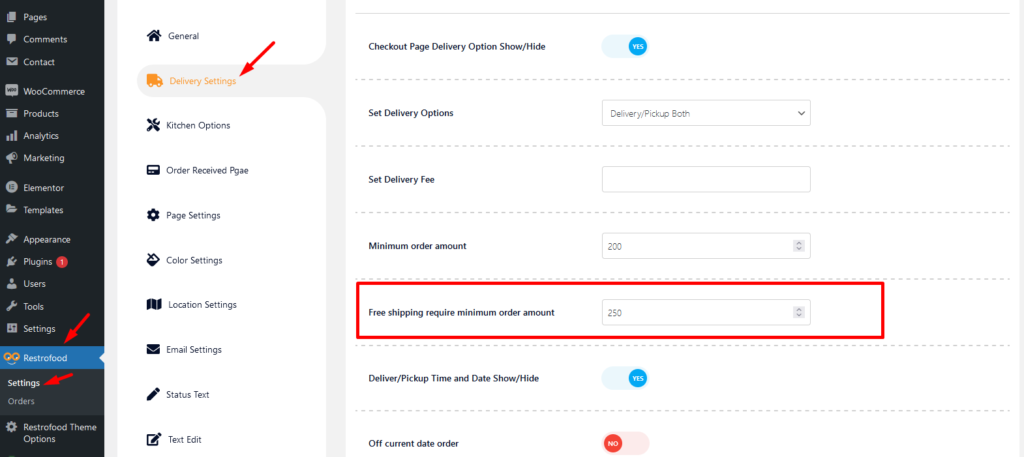
RestroFood provides different time and multiple holiday set options for different branches. Here is the screenshot of how and from where the Delivery/Pickup time and holy day set in the branch admin.
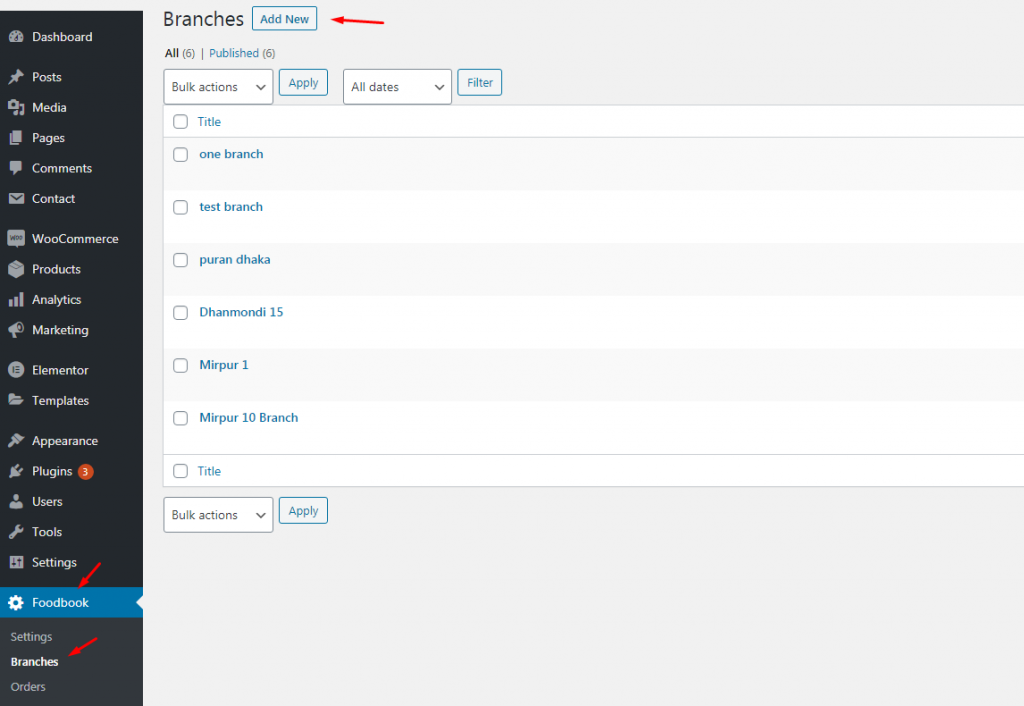
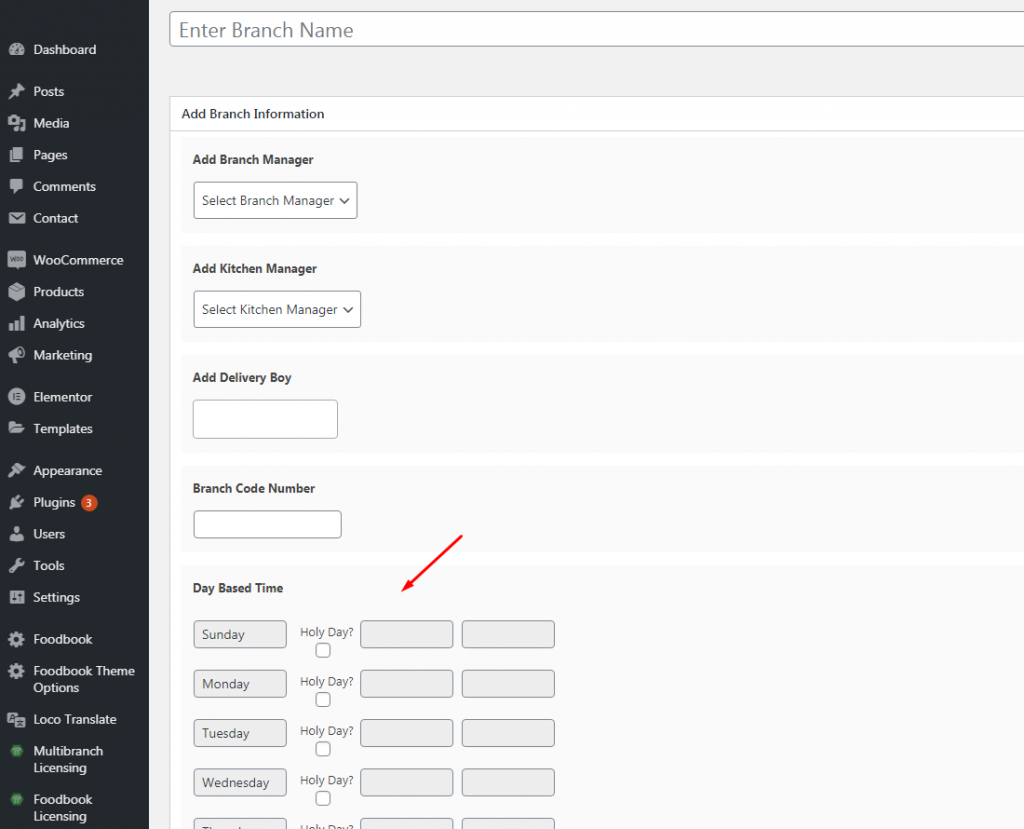
RestroFood provides different time and multiple holiday set options for different branches. Here is the screenshot of how and from where the Delivery/Pickup time and holy day set in the branch admin.
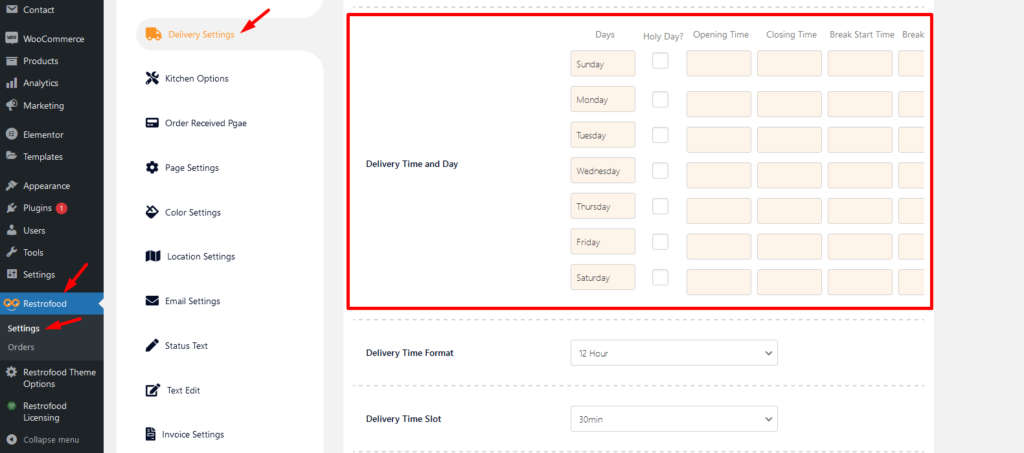
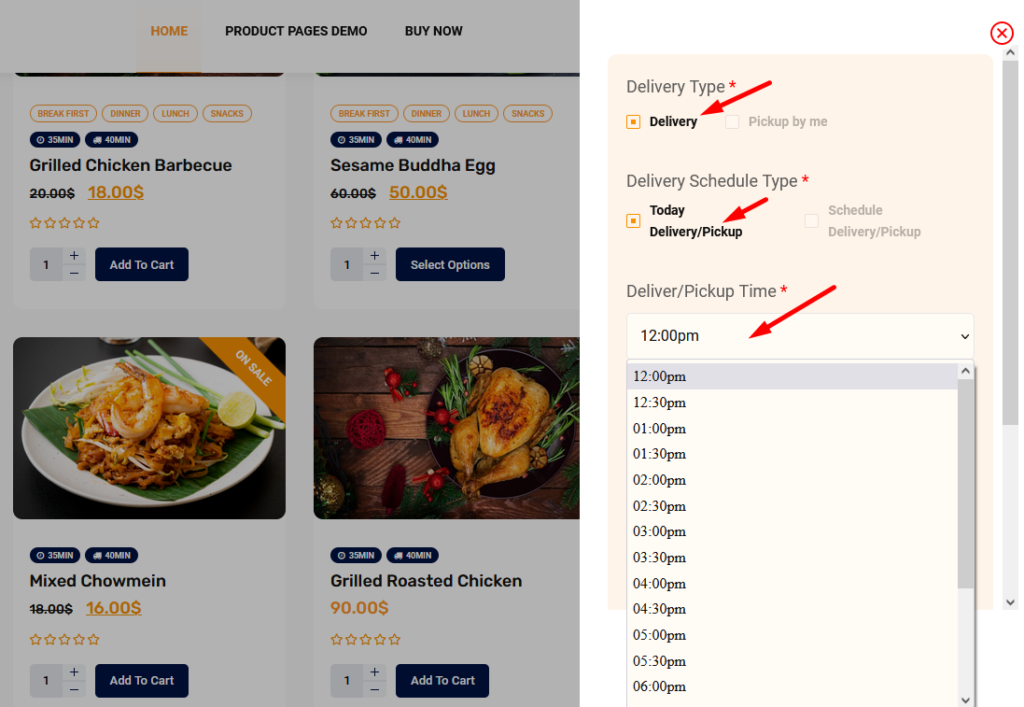
Delivery/Pickup time select option is an awesome feature in this plugin. Customer can select the time when he/she want to delivery and provider delivery the product on that time. Here is the screenshot of how and where the Delivery/Pickup time settings in the admin.
Delivery/Pickup time set options.
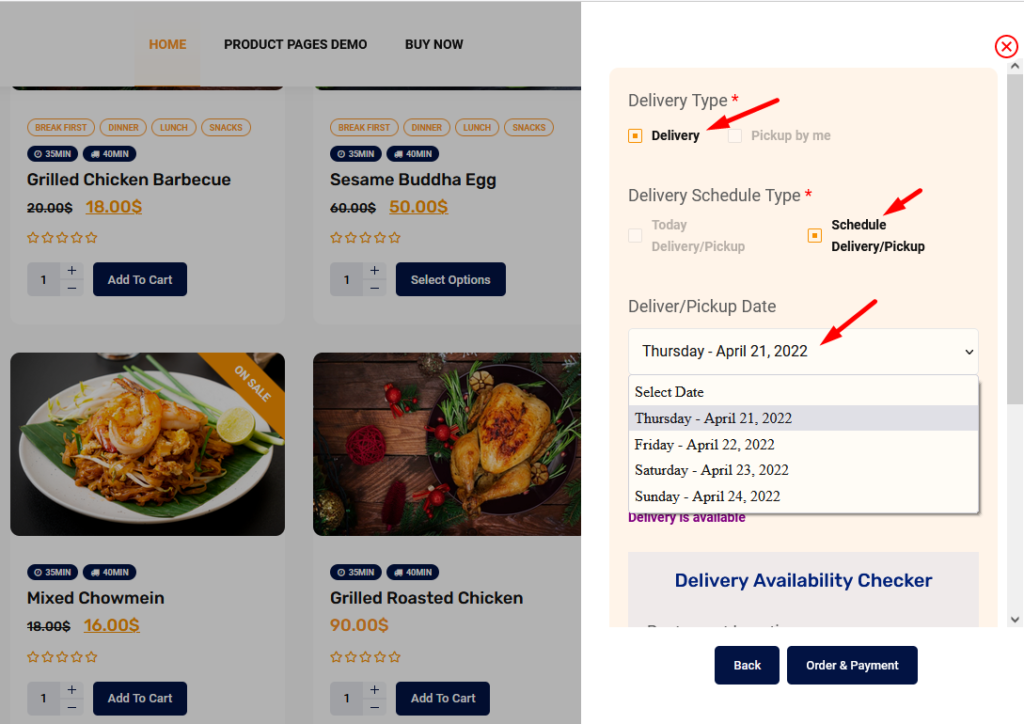
Where will show Delivery/Pickup date and time select option?
Customers will find the option on the checkout page to select the delivery date and time.
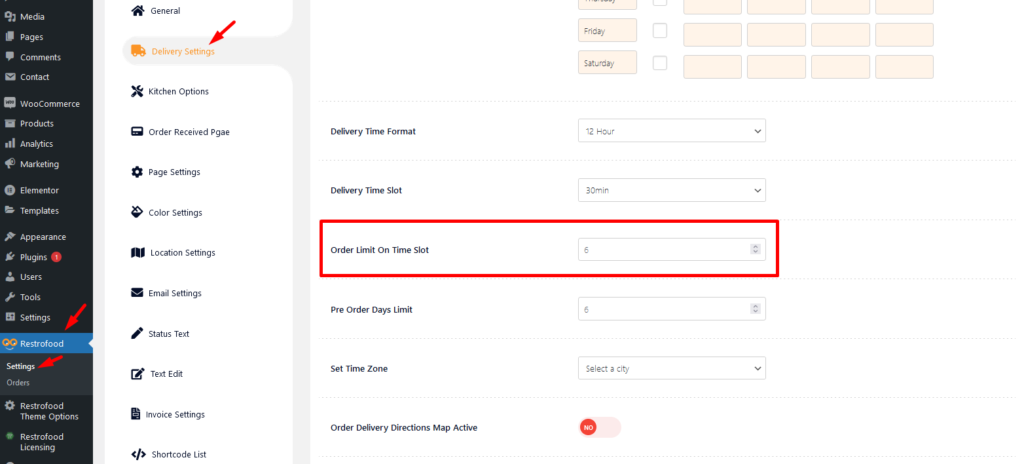
Set how much order you want to received per time slot. If you don’t set any number of this option customers can order unlimited every time slot.
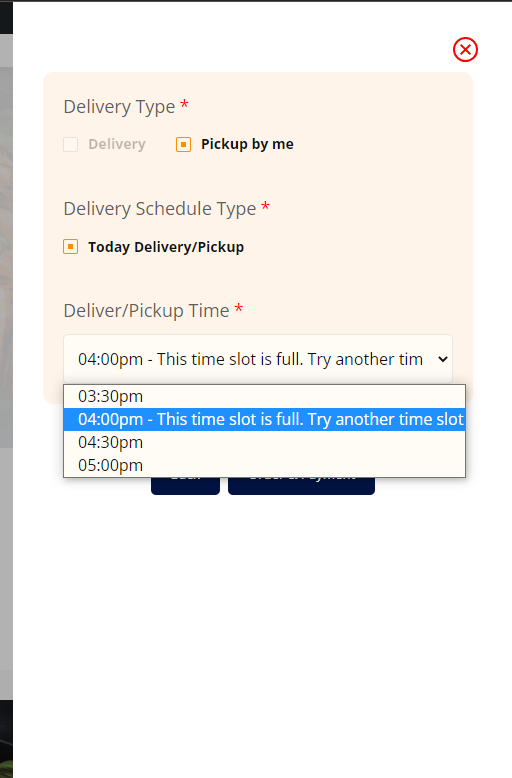
If time slot order limit is over customer will see the information like below image.
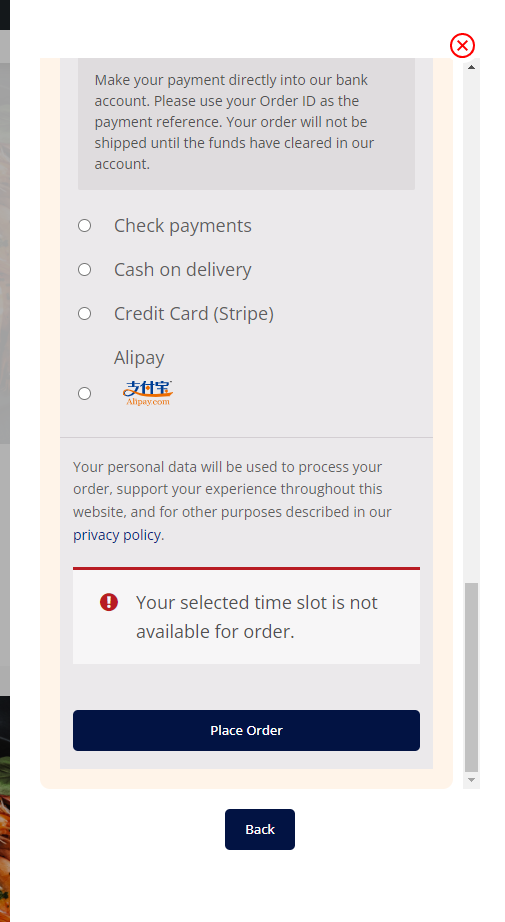
If the customer selects the time, which time slot already crosses the order limit and try to place an order the customer will get a warning to change the time slot like below: image.
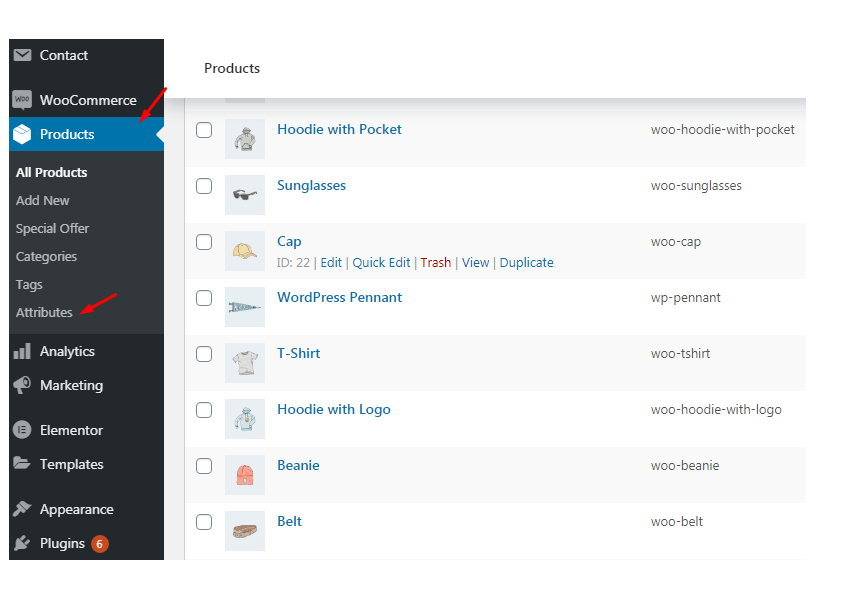
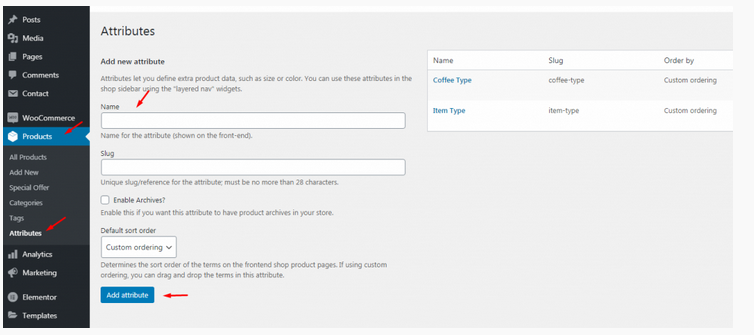
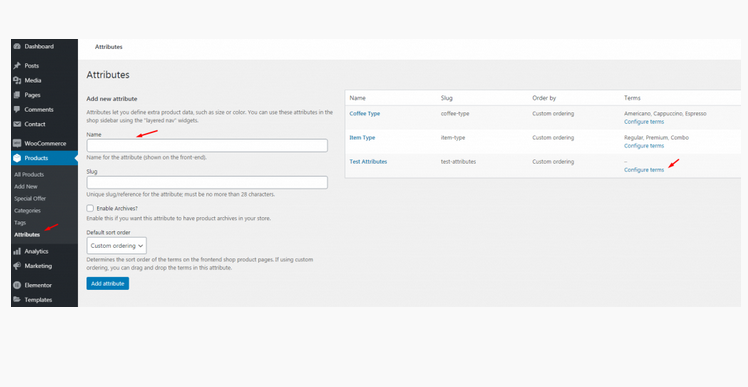
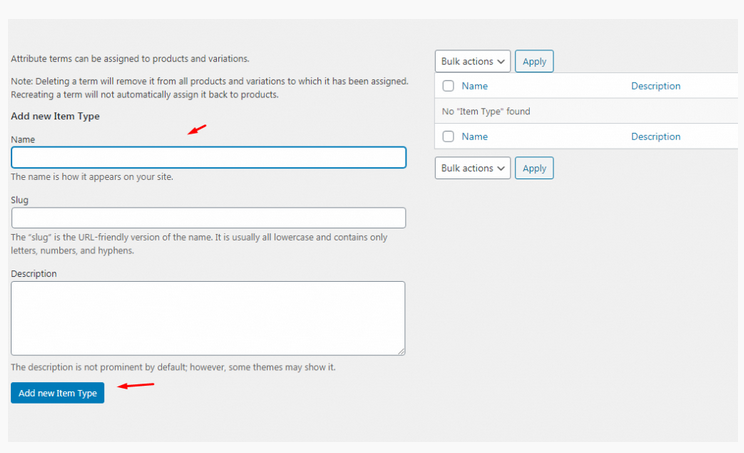
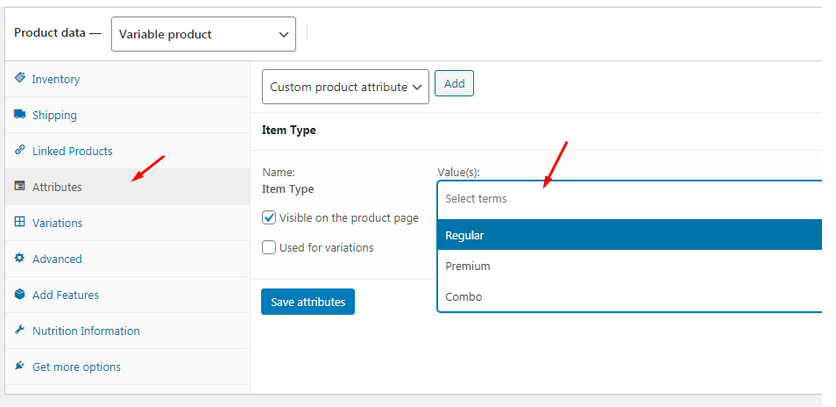
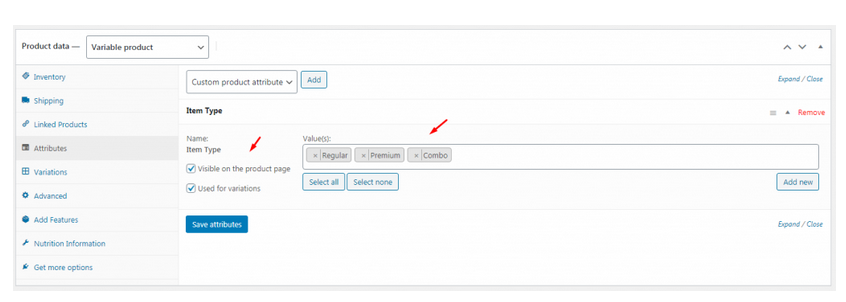
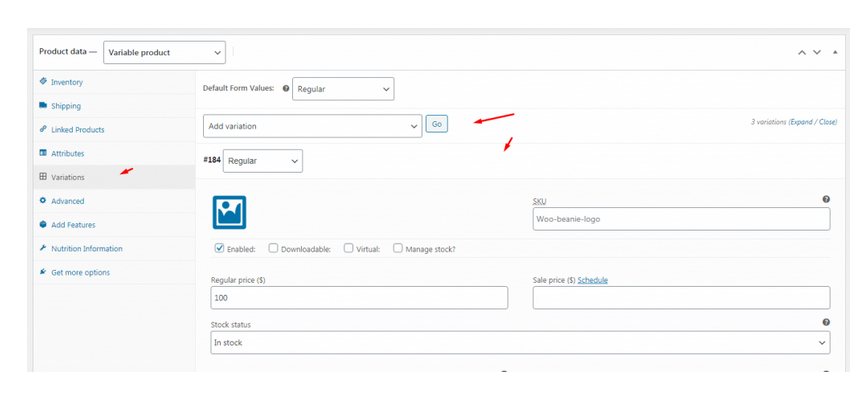
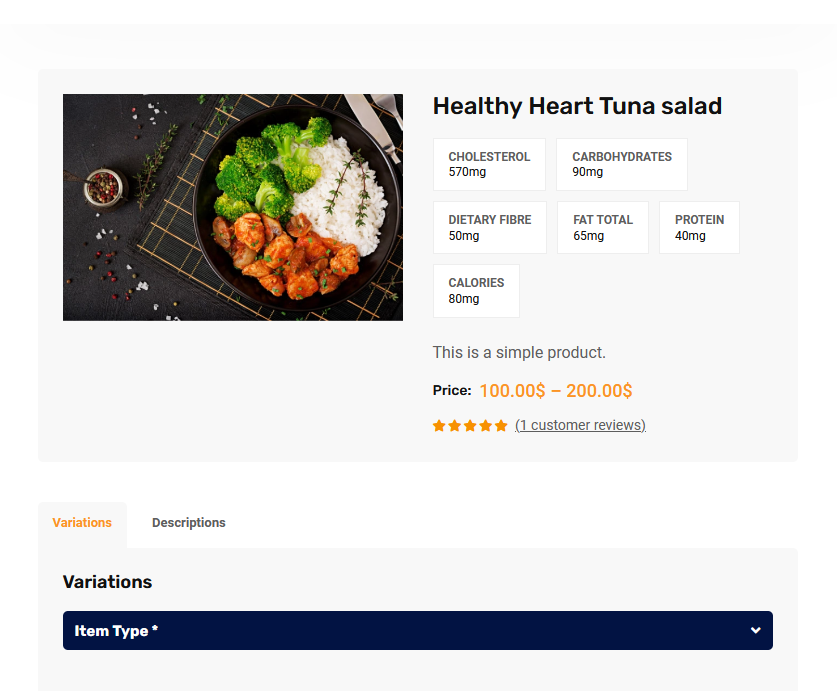
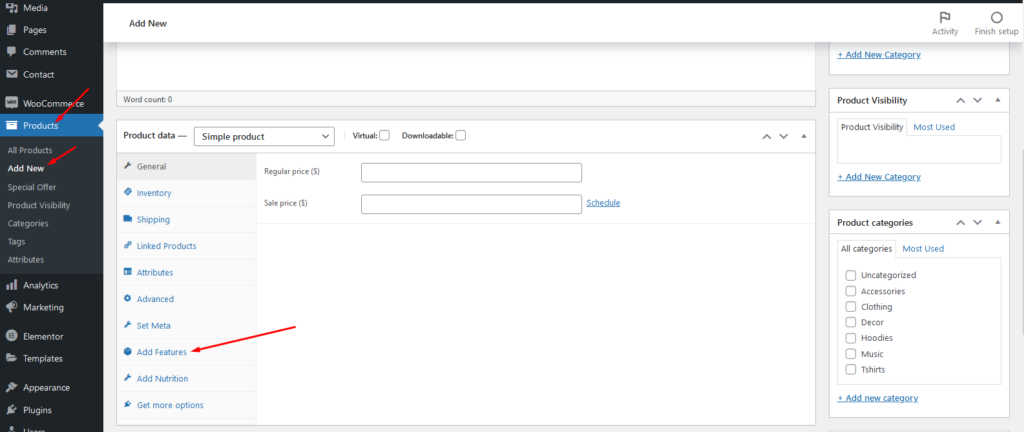
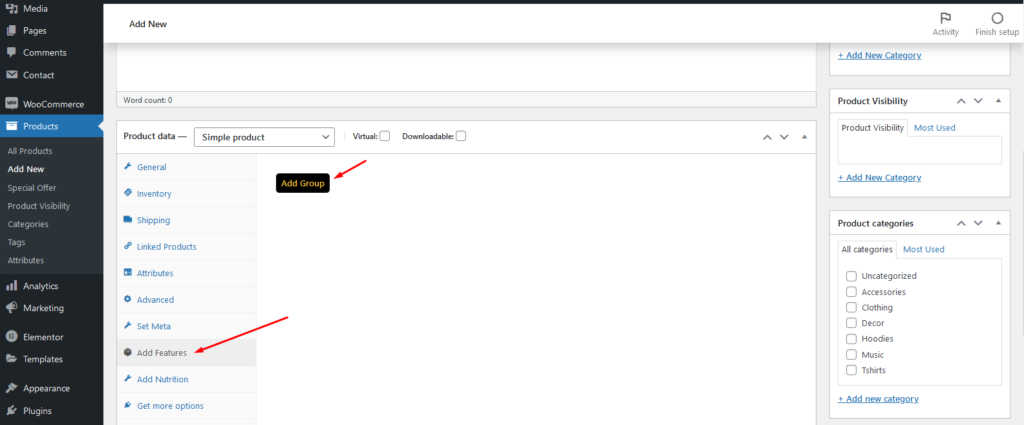
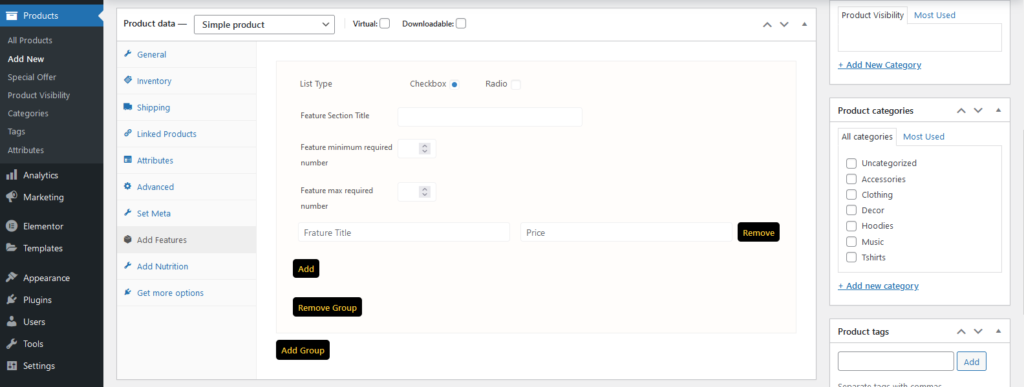
To add product nutrition information follow the screenshot :
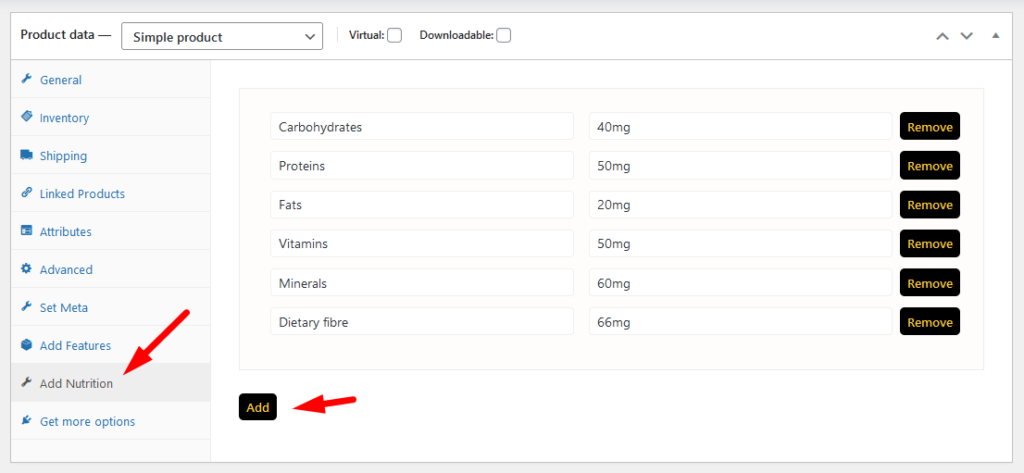
Preview:
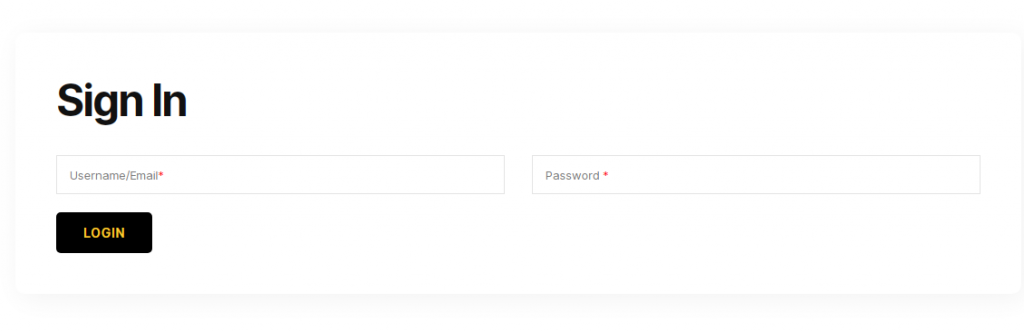
RestroFood provide custom login page for manager admin. The default manager admin login page is /admin ( your-domain.com/admin ). Branch, kitchen manager and delivery boy should be login from here.
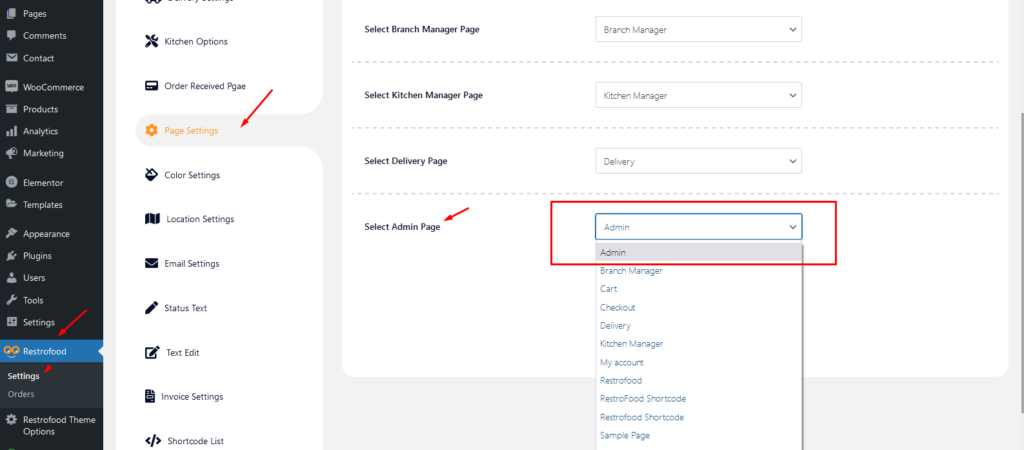
If you want to change the admin page you will do it easily. At first, create a page which you want as an admin page and go to settings options Page Settings -> Select Admin Page you will see the created page here now select and save. You could follow the screenshot for more clear :